
🌿 GENERAL WELLNESS
General Food & Nutrition
Food scanning, meal ideas, shopping, fitness and daily wellness — without diabetes-specific tools.
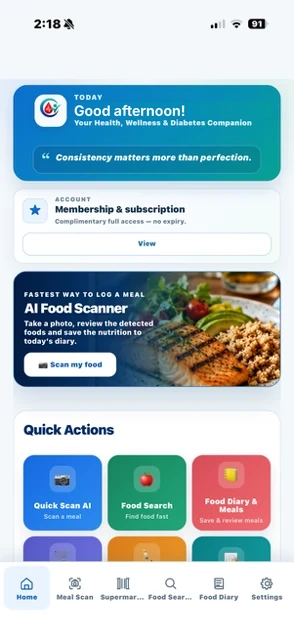
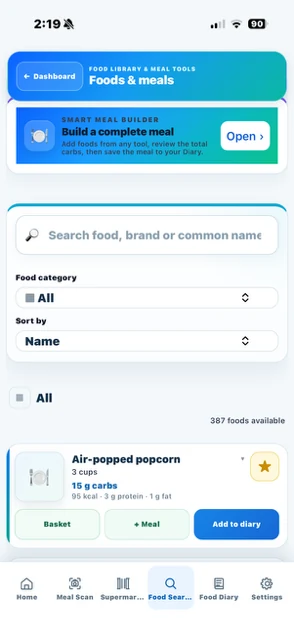
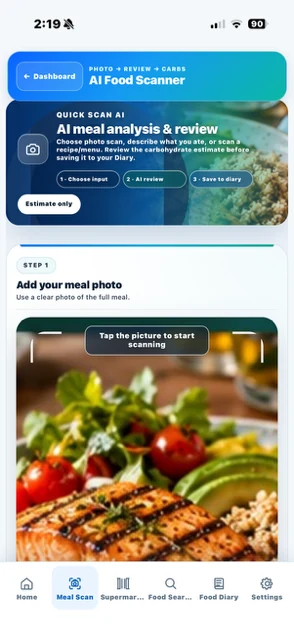
- Food scanning
- Food diary & meals
- Shopping tools
- Activity & water
Discover your food, nutrition and wellness tools — or choose diabetes tracking for extra manual record-keeping. These are screenshots of CarbCheckBuddy from the current app experience.
Food scanning, meal ideas, shopping, fitness and daily wellness — without diabetes-specific tools.
The same nutrition tools, plus optional manual glucose and insulin records and a sensor change reminder.
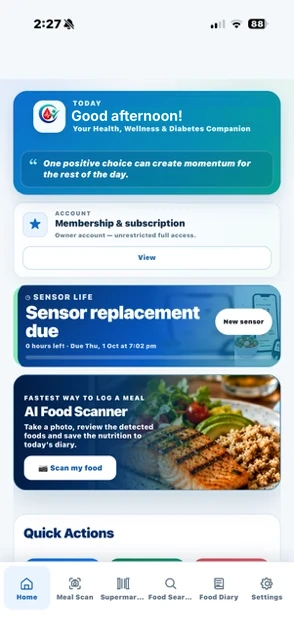
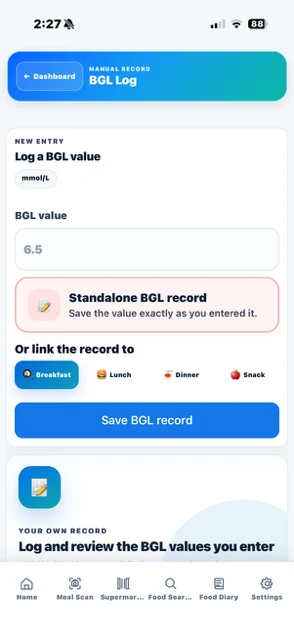
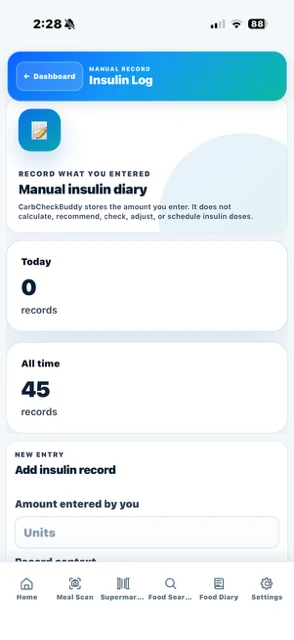
Screens show the current app experience. Available features depend on the selected mode and membership plan. Diabetes records are user-entered; no CGM connection or insulin dose calculation.
Beyond the six main app views, explore more of the screens available in the current version. No artificial menus or invented Quick Actions.
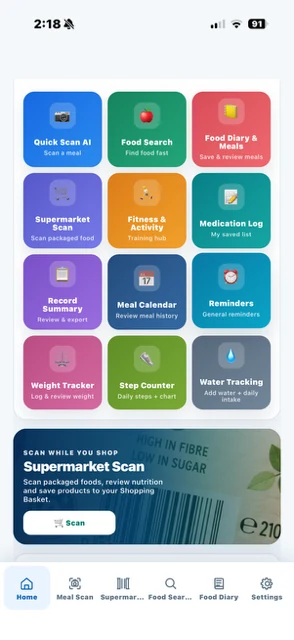
Food, shopping, medication logs, fitness and everyday tools — no diabetes-related actions in General mode.
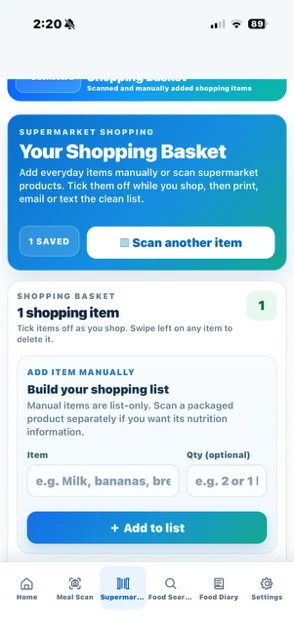
Keep a practical shopping list and add items manually.
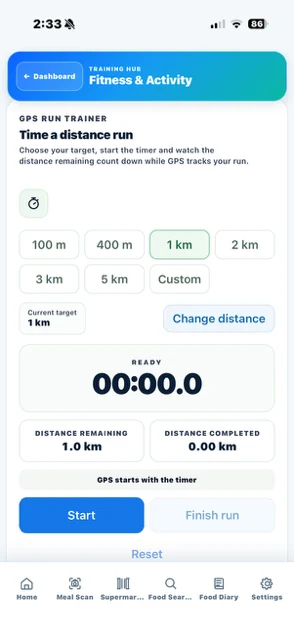
Activity tools include a GPS distance run timer.
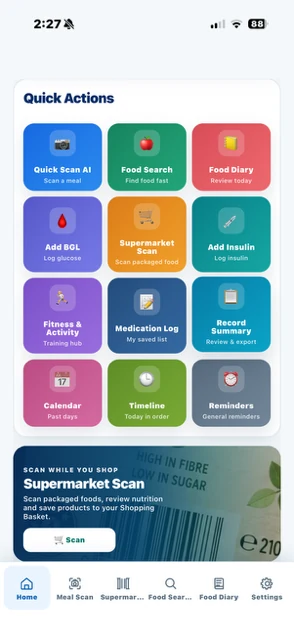
Manual BGL and insulin logs join your regular food and activity tools.
CarbCheckBuddy brings movement and wellness tools alongside food and nutrition. These four screens are from the real app.
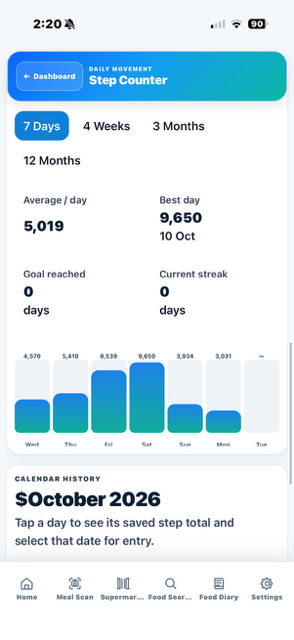
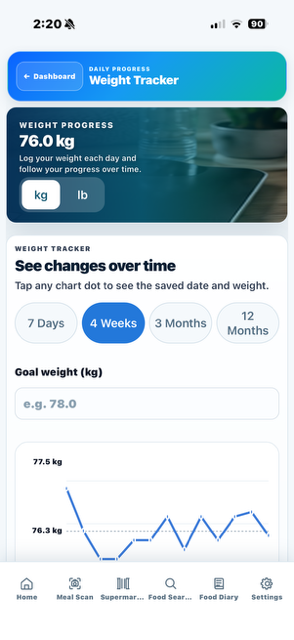
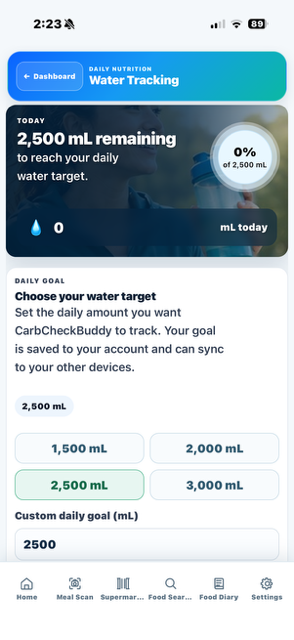
Keep medication schedules, fitness plans and everyday wellness habits in mind. CarbCheckBuddy supports configurable reminders and push notifications for supported reminder types.
Supported iPhone push notifications can also appear on a paired Apple Watch when notification mirroring and permissions are enabled. A separate Apple Watch app is not required.
Notification delivery and available reminder types depend on your chosen settings, device compatibility and notification permissions. Sensor replacement countdown reminders are relevant to Diabetes mode only.
Discover reminder tools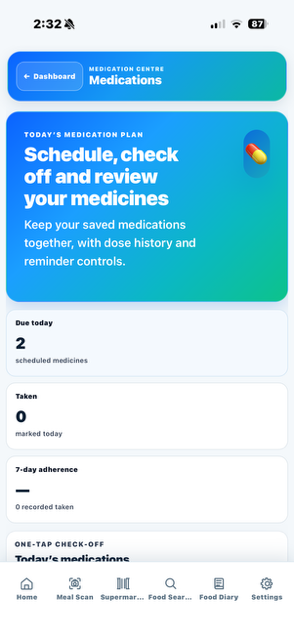
CarbCheckBuddy is designed to reduce the amount of jumping between disconnected tools and records.
Photograph a meal, review detected foods and nutrition, then save the result into your diary.
Scan a barcode, review nutrition and compare better choices while you shop.
Keep everyday meals organised, save favourites and reuse meals without rebuilding them each time.
In diabetes modes, keep user-entered glucose and insulin records together in your timeline.
Review patterns across your daily records with clear summaries and longer-term trends.
Use guided tools that make common tasks faster while keeping you in control of what gets saved.
CarbCheckBuddy keeps the process familiar: record what happened, see it together, then review the patterns that matter to you.
Record meals, food choices and activity. Diabetes modes also offer optional manual glucose and insulin logs.
Your day is organised into a simple timeline, diary and dashboard.
Use reports and trends to understand what happened across the day and over time.
CarbCheckBuddy is designed as a support and record-keeping tool. It does not replace advice from your doctor, diabetes educator or other qualified health professional, and it should not be used as the sole basis for treatment decisions.
Free covers basic use. Monthly and Yearly include the same Premium features, with clear recurring prices and billing periods.
Basic core app access, manual glucose tracking, limited Food Diary, basic reports and medication logging.
See what’s includedEvery Premium feature with flexible monthly recurring billing.
View MonthlyEvery Premium feature with a yearly recurring billing period.
Compare all plansAustralian pricing shown: Monthly A$9.99 and Yearly A$89.99. Before confirmation, the purchase provider will show the amount due, recurring price, billing period and cancellation terms.
CarbCheckBuddy’s AI Food Scanner is part of the updated Premium experience. Take or upload a meal photo, review the detected foods, portions, nutrition and carbs, then confirm what you want saved to your Food Diary.
Take or upload a meal photo.
Confirm detected foods, portions and nutrition estimates.
Add your confirmed meal to the Food Diary.
The mobile store listings will activate when the apps are released. Website account access is already connected.

Use the website now. App Store and Google Play buttons are ready to activate when the store listings go live.